Mobility solutions have been shown to benefit almost every industry from high-demand manufacturing to storefront operations due to their ability to augment flexibility and connect workers. However, because different work environments present unique challenges, mobility solutions should be tailored to navigate and leverage obstacles into opportunities. For example, ultra-rugged keyboarded mobile computers may actually be a hindrance in the storefront where seasonal employees need a seamless easy-to-use device.
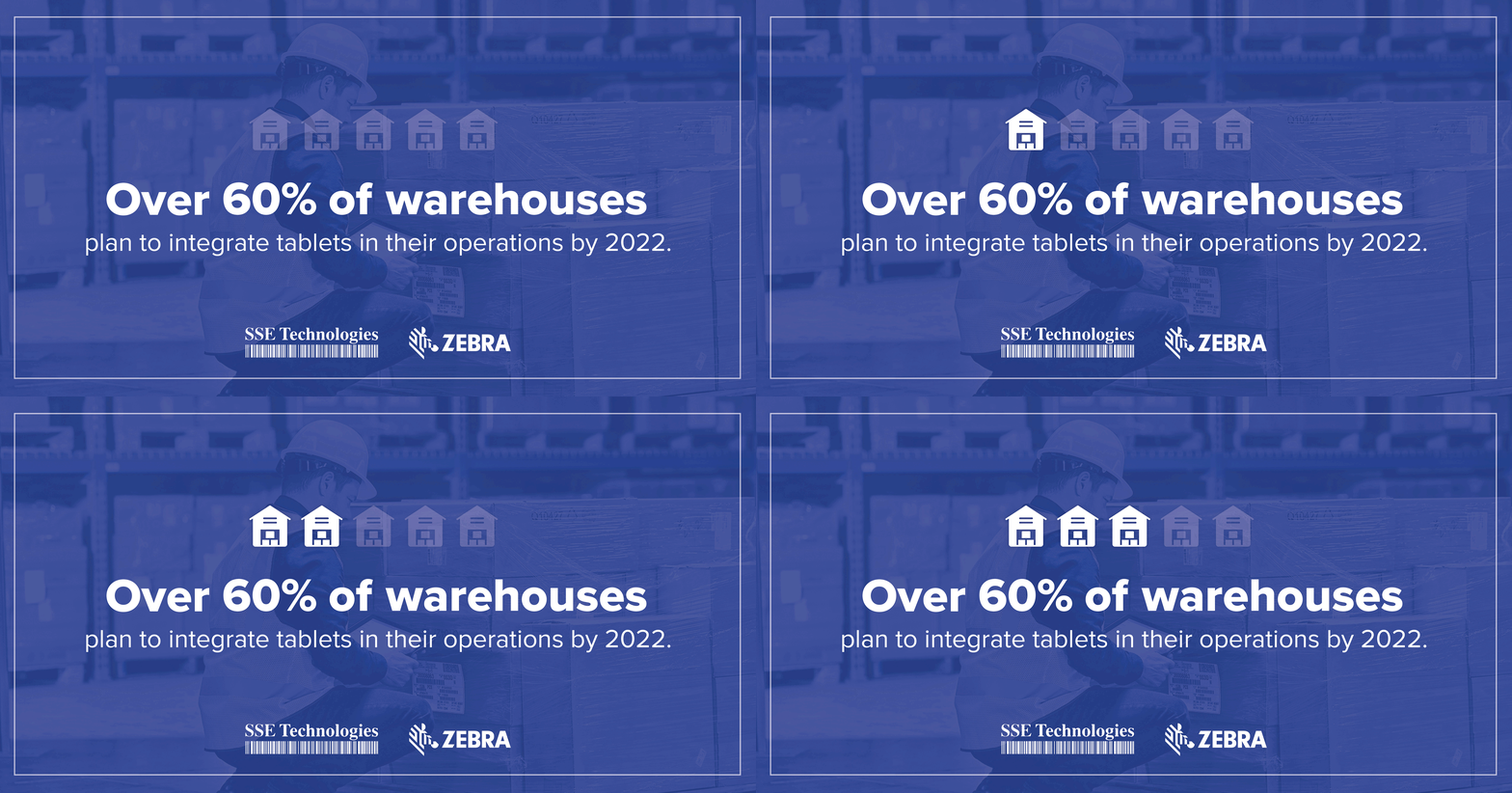
With over 60% of businesses planning to integrate tablets into their daily operations, modernization experts recommend thoroughly evaluating workflow needs before selecting devices. Part of this evaluation process includes assessing tablet options with questions such as:
- Where will the device function primarily? – Durability standards must match work environments to prevent premature device failures and breakdowns. Breakdowns can ultimately lead to prolonged downtime, which drains businesses up to $10,000 per hour. For stringent workspaces like cold storage or high heat manufacturing plants, devices like the L10 rugged tablet offers maximized durability standards like 6ft. drop specs, IP65 sealing, and optional ATEX rating.
- How much time does your workforce have to spare on training? – High labor turnover rates leave little room for extensive training times. As we approach the 2021 holiday peak season, demands for fast and accurate shipping add to the pressures for quicker adoption rates, making devices like the ET5x a more viable option since it facilitates onboarding with a familiar Android interface that resembles consumer-grade devices.
- Will tablets be paired to peripherals? – One of the goals of enhanced mobility is greater worker comfort and adaptability. When several peripheral devices are added to an individual worker, ergonomics may be compromised. To solve this, Zebra’s Mobility DNA apps like Workforce Connect and optional built-in scanners help streamline vital features such as connectivity and scanning through one device.
- Is automated data capture already in place? – Automation continues to be one of the leading modernization efforts overtaking entire supply chains. Therefore, tablets should further compliment automated data capture solutions. Zebra’s L10 XPAD tablets fulfill this expectation by offering built-in scanning options that connect data onto your centralized database, thus eliminating the need for manual data entry.
- Will devices be shared? – Flexible mounting and data entry options such as the ones featured in Zebra’s ET8x allow devices to be used in a variety of departments within the warehouse. Moreover, longer battery life spans safeguard unbroken uptime for entire shifts.
To see Zebra’s full line of enterprise-ready tablets, download our portfolio.
These are just a few questions that can be used to best discern which tablet best fits your operational needs. For a fuller perspective into tablet options, contact one of our mobility experts for a comprehensive workflow assessment to pinpoint a hardware solution that best adapts to your operations.